


March 17, 2026

Growth is one of the most exciting stages for a small or medium-sized business. New employees are hired, office space expands, warehouses grow, and new locations come online. But while leadership often focuses on revenue, hiring, and operations, one critical area is frequently underestimated during expansion—the technology infrastructure that supports the entire business.
When organizations grow without properly planning their technology environment, they often discover problems after employees move in. Wi-Fi becomes unreliable, conference rooms struggle to support hybrid meetings, security cameras don’t cover key areas, and network cables installed years ago can’t support modern bandwidth demands.
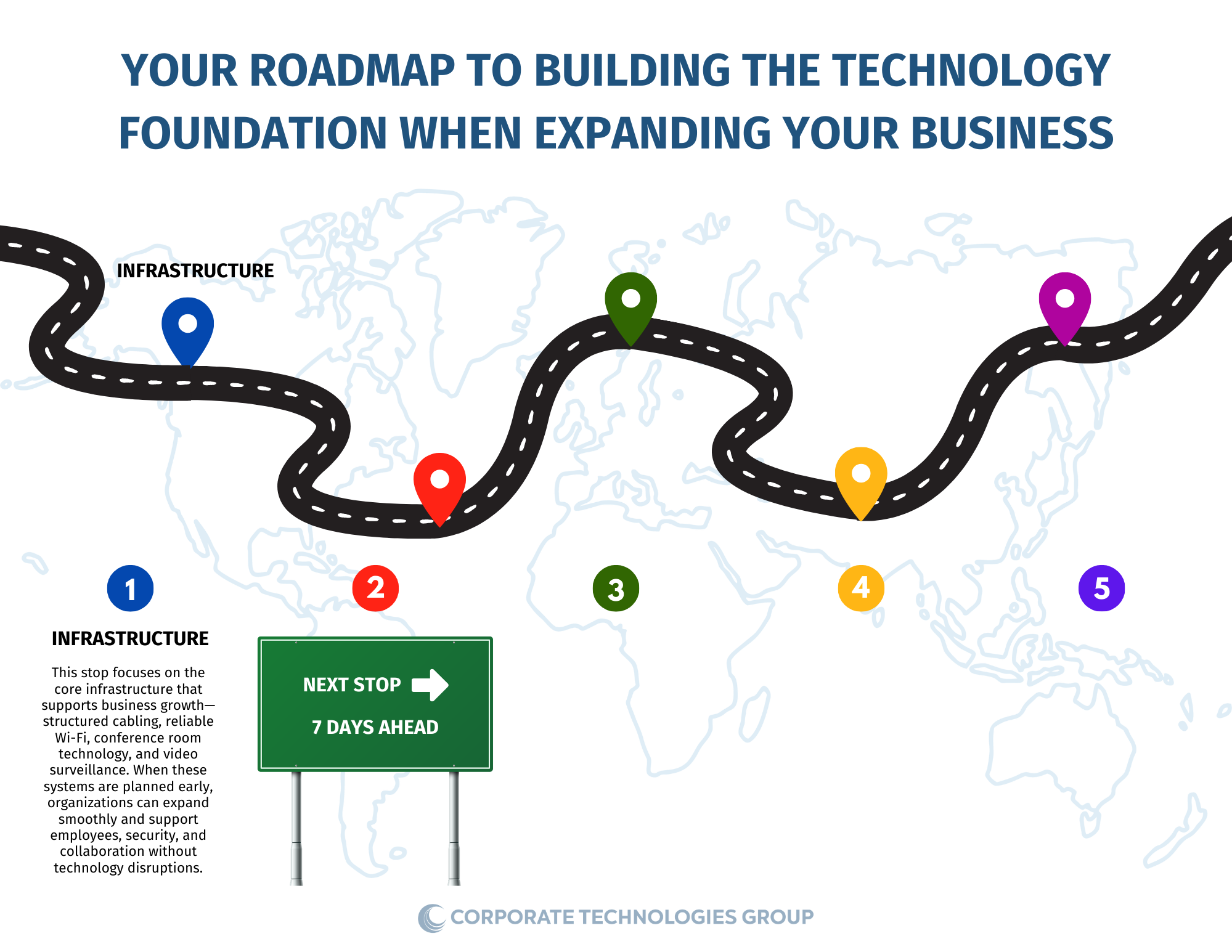
In reality, technology infrastructure should be treated like the building’s electrical or plumbing systems—planned carefully before expansion happens. When done correctly, employees work faster, systems remain secure, and businesses can scale without constant technology disruptions.
As businesses expand locations or upgrade facilities, there are four core infrastructure areas that deserve careful evaluation: structured cabling, Microsoft Teams conference rooms, video surveillance design, and enterprise-grade Wi-Fi networks.
- Structured Cabling: The Backbone of the Location
Structured cabling is the hidden infrastructure that connects everything inside a facility. It supports computers, wireless access points, phones, video surveillance cameras, conference rooms, and network equipment.
Unfortunately, many growing companies treat cabling as an afterthought. They rely on older wiring from previous tenants or install quick fixes that may work temporarily but create challenges later.
When evaluating infrastructure cabling for a growing location, businesses should consider several important factors:
- Whether the cabling supports modern network speeds and future upgrades
- Proper cable labeling and documentation to simplify troubleshooting
- Sufficient network drops for employees, conference rooms, and devices
- Organized network closets and rack space for expansion
- Scalability to support additional equipment over time
The risk of ignoring this area can be significant. Poor cabling leads to slow network speeds, increased downtime, and costly retrofits after walls and ceilings are already finished. A properly designed structured cabling environment ensures that every system in the business—from security cameras to Wi-Fi access points—operates reliably.
- Designing a Microsoft Teams Conference Room That Works for Everyone
Today’s workplaces are more collaborative than ever before. Teams are often split between offices, remote employees, customers, and partners joining meetings virtually.
This means conference rooms must be designed to support modern collaboration platforms such as Microsoft Teams.
Many companies install conference room technology without fully considering the user experience. The result is a room that technically works but frustrates employees trying to start meetings or connect remote participants.
When designing a Microsoft Teams conference room, organizations should evaluate:
- Camera positioning that captures everyone in the room naturally
- Microphone placement so remote participants hear clearly
- Display size and visibility for presentations and shared content
- Simple meeting controls that allow meetings to start quickly
- Acoustic considerations that reduce echo and background noise
- Room layout that supports both in-person and virtual participants
If conference rooms are poorly designed, meetings take longer to start, communication suffers, and productivity drops. Worse, clients and partners joining remotely may experience poor audio or video quality. A properly planned conference room ensures meetings start smoothly and collaboration remains seamless.
- Video Surveillance Design: Protecting the Physical Environment
As businesses expand their offices, warehouses, or operational spaces, physical security becomes a greater priority.
Video surveillance systems help protect employees, deter theft, provide documentation during incidents, and improve visibility into daily operations. But simply installing cameras is not enough—design matters.
Businesses expanding their facilities should evaluate several key surveillance considerations:
- Coverage of entrances, exits, and sensitive operational areas
- Elimination of blind spots within offices or warehouses
- Camera placement that supports both security and operational awareness
- Lighting conditions to ensure high-quality video recording
- Network capacity required to support surveillance systems
- Secure storage and retention of recorded video
A poorly designed surveillance system may leave critical areas unmonitored or produce footage that is difficult to use when incidents occur.
Taking the time to properly design surveillance coverage reduces liability risk and improves workplace safety.
- Designing a Wi-Fi Network That Enables Productivity
Few things frustrate employees more than slow or unreliable Wi-Fi. As businesses grow, the number of connected devices increases dramatically—laptops, smartphones, tablets, conference room systems, and security devices all rely on wireless connectivity.
A Wi-Fi network that once worked for a small office may struggle to support a larger workforce or expanded facility.
When evaluating wireless network design, businesses should consider:
- Strategic placement of wireless access points to eliminate dead zones
- Capacity planning to support increased device density
- Secure network access for employees, guests, and IoT devices
- Performance monitoring to identify congestion areas
- Integration with the broader network infrastructure
When Wi-Fi networks are poorly designed, employees experience slow application performance, dropped connections, and reduced productivity.
A properly engineered wireless environment ensures employees can work efficiently anywhere in the facility.
Expansion Requires a Technology Strategy
When businesses expand, technology infrastructure must grow alongside operations. Structured cabling, collaboration spaces, physical security, and wireless connectivity form the technological backbone that supports daily business functions.
Failing to evaluate these areas during expansion introduces operational risk, employee frustration, and unexpected technology costs down the road.
This is why many organizations turn to Corporate Technologies Group (www.ctgusa.net) for guidance. CTG serves as a unified technology services organization, helping businesses evaluate their entire technology environment so every component of the tech stack works together—from network infrastructure to collaboration systems, security technologies, and wireless connectivity.
If your organization is expanding a facility, opening a new office, or upgrading your technology environment, now is the time to ensure the foundation is built correctly.
To learn how CTG can help evaluate and design the technology infrastructure needed to support your business growth, visit our website to explore our infrastructure solutions, or contact us at info@ctgusa.net or 330-655-8144.
Our team can help ensure your technology environment supports the next stage of your company’s expansion with confidence and reliability.
Recent Blog Posts...

Apr. 12, 2026
Building a Wide Area Network That Keeps Your Business Running—No Matter What

Apr. 06, 2026
Building a Communication Platform That Never Misses a Moment (or a customer)

Mar. 30, 2026
Building the Cyber Security Foundation Your Growing Business Can’t Afford to Ignore

Mar. 23, 2026
Building the Right Server Infrastructure to Support Your Growth
Mar. 17, 2026
Infrastructure That Powers Growth: Cabling, Conference Rooms, Video Surveillance, and Wi-Fi
- Application Integration5
- Application Performance16
- Asset Management1
- Bandwidth Management7
- Business Continuity / Disaster Recovery41
- BYOD7
- Cloud49
- Collaboration17
- Communication18
- Compliance3
- Contact Center1
- Cyber Liability Insurance1
- Cybersecurity32
- Dark Web1
- Hosted Phone46
- Hybrid Working2
- Internet3
- Internet of Things6
- IT Infrastructure14
- Managed Network Services10
- Managed Services8
- Microsoft Teams2
- Network Performance29
- Network Security32
- News11
- Press Release2
- Risk Assessment1
- SIP Trunking3
- Technology Audit3
- Telehealth3
- Uncategorized38
- Unified Communications48
- VoIP36
- Work From Home3