


May 22, 2019
The first thing you want to do is determine whether your account has been compromised by a virus, malware, or a spammer, or if you are just being spoofed. Email spoofing is when the sender of an email, typically spam, forges (spoofs) the email header “From” address so the email being sent appears to have been sent from a legitimate email address that is not the spammers own address. Other areas that may be alters are the “Reply-to” section.
The goal of email spoofing is to get recipients to open, and possibly even respond to, a solicitation. Although the spoofed messages are usually just a nuisance requiring little action besides removal, the more malicious varieties can cause significant problems, and sometimes pose a real security threat.
Want to be prepared in case your company becomes compromised? We have you covered! Corporate Technologies Group can help you implement a Disaster Recovery/Business Continuity plan in case of a virus or malware attack, you will have a plan to fall back on, so your business can keep operating. Want to learn more about Disaster Recovery?
Reasons for Email Spoofing:
- Hiding the sender’s true identity – though if this is the only goal, it can be achieved more easily by registering anonymous mail addresses.
- Avoiding spam blacklists. If a sender is spamming, they are bound to be blacklisted quickly. A simple solution to this problem is to switch email addresses.
- Pretending to be someone the recipient knows, in order to, for example, ask for sensitive information or access to personal assets.
- Pretending to be from a business the recipient has a relationship with, as means of getting a hold of bank login details or other personal data.
- Tarnishing the image of the assumed sender, a character attack that places the so-called sender in a bad light.
- Sending messages in someone’s name can also be used to commit identity theft. This happens when requesting information from the victims financial or healthcare accounts.
Here are 5 ways you can check to see if you are being spoofed:
- If you know the sender of the email, verify with them via a phone call.
- If the email doesn’t seem right, do not reply to it or download any attachments
- Always check the senders email address. If it is from someone at Corporate Technologies Group, it would use the syntax of (first letter of first name) (last name) (at sign) (dot)net.
- If the email is asking you for money, gift cards, or any kind of cryptocurrency, then you are probably being spoofed.
- Always ask! Ask your dedicated IT person whether this is the real deal, or if you are being spoofed.
Here are some “best practices” when it comes to your email security:
- Change your password frequently
- Avoid using your primary business email account for everything online.
- Only use your primary business email to communicate with people you know or trust.
- Don’t open PDFs or other attachments if you don’t think the sender is legit.
Read our DRaaS WhitePaper to get the full scoop on the different threats and how you can avoid or overcome them. Contact us today for more information.
* Information from Lifewire
Recent Blog Posts...

Mar. 10, 2026
The Cloud Isn’t Just “Out There” — It’s Tied to Your Network
Mar. 03, 2026
“I Can Feel It Coming in the Air Tonight”… And So Can Your Network

Feb. 24, 2026
Top 5 Ways Credit Unions Can Use An AI Assistant
Feb. 17, 2026
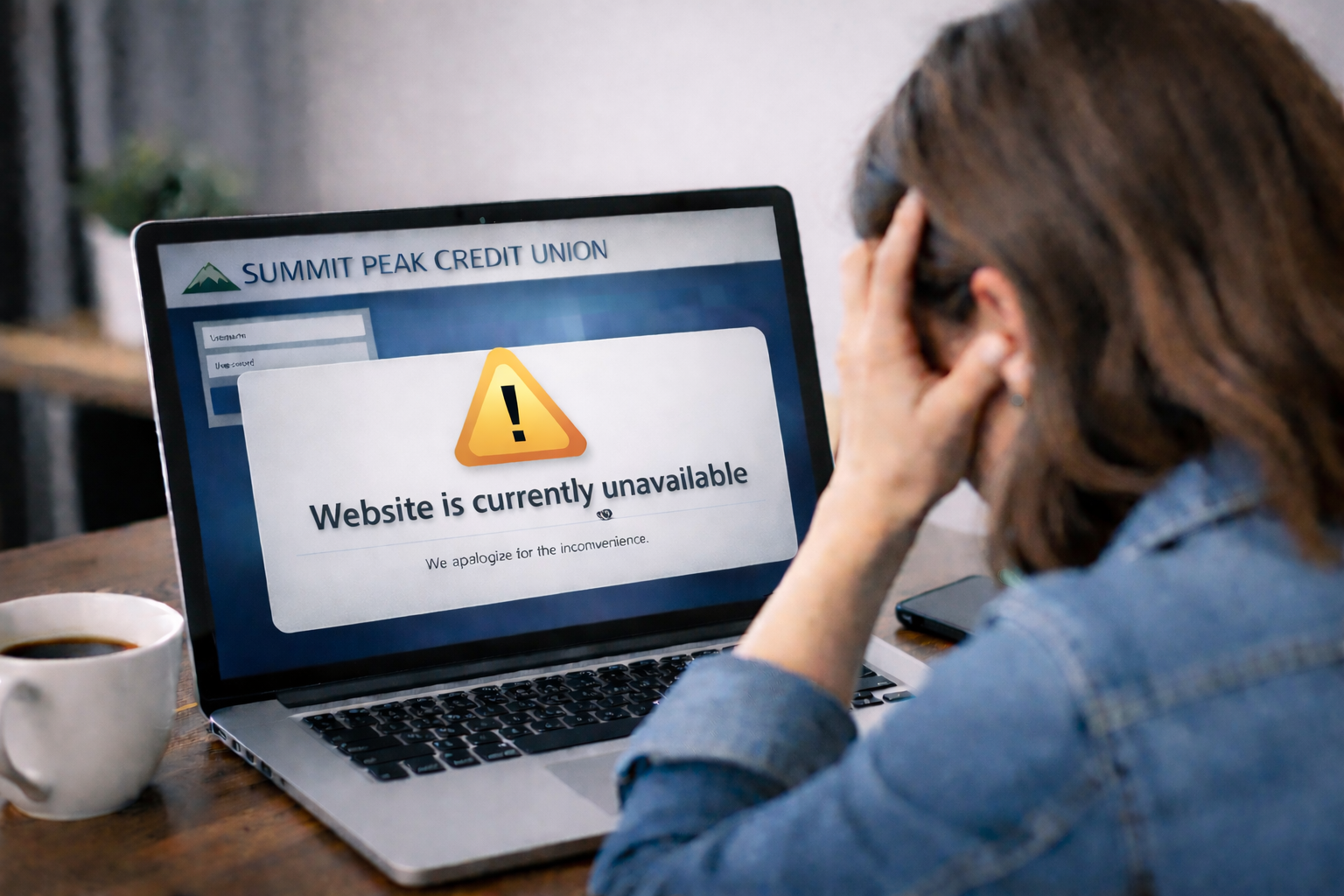
How Ohio Credit Unions Should Think About Disaster Recovery Connectivity and Bandwidth
Feb. 10, 2026
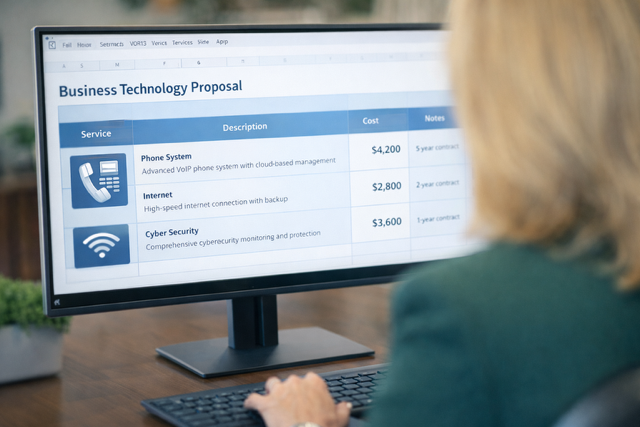
How Credit Unions Should Evaluate Technology Buying Decisions (Without Getting Boxed In)
- Application Integration5
- Application Performance16
- Asset Management1
- Bandwidth Management7
- Business Continuity / Disaster Recovery41
- BYOD7
- Cloud48
- Collaboration17
- Communication17
- Compliance3
- Contact Center1
- Cyber Liability Insurance1
- Cybersecurity31
- Dark Web1
- Hosted Phone46
- Hybrid Working2
- Internet3
- Internet of Things6
- IT Infrastructure13
- Managed Network Services9
- Managed Services8
- Microsoft Teams2
- Network Performance28
- Network Security31
- News11
- Press Release2
- Risk Assessment1
- SIP Trunking3
- Technology Audit3
- Telehealth3
- Uncategorized37
- Unified Communications48
- VoIP36
- Work From Home3